 MidiAI Studio
Landing · Audio to MIDI
Audio to MIDI Converter (AI)
Audio to MIDI is the umbrella task behind MP3, WAV, FLAC, and many YouTube-derived conversions.
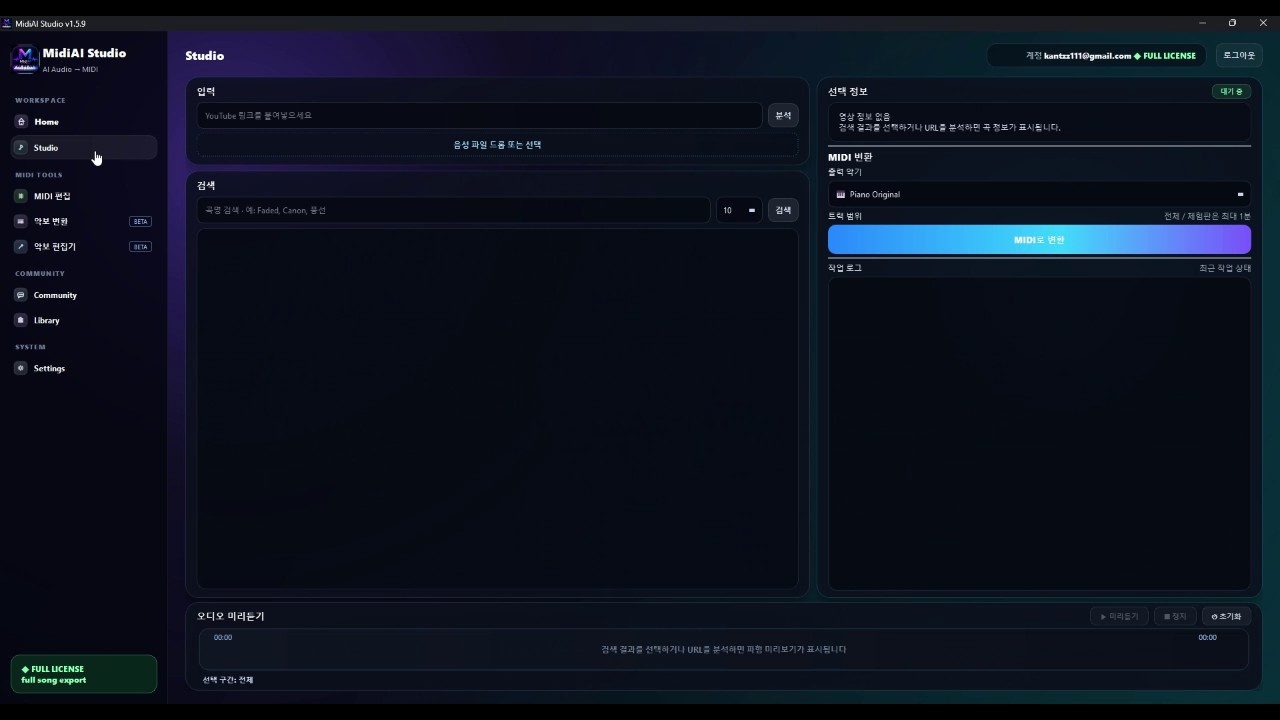
What is Audio to MIDI?
Audio to MIDI conversion estimates musical notes from an audio waveform using AI transcription models.
How it works
Feed a recording, let AI propose notes, then treat the output as a draft performance to edit.
- Select the best available audio quality.
- Convert with MidiAI Studio.
- Edit pitch, rhythm, and velocity.
- Export and arrange in your DAW.
Convert MP3 to MIDI
MP3 is a compressed audio format, not a separate conversion product. MidiAI Studio uses the same Audio to MIDI path for MP3 as for other recordings: upload the file, preview a range, then edit the draft MIDI. Heavy compression can hide quiet notes, so a cleaner source usually transcribes more cleanly.
Convert WAV to MIDI
WAV is uncompressed audio. Feeding WAV (or another lossless file) into the same Audio to MIDI feature often preserves more detail than a heavily compressed MP3 of the same performance. After conversion, continue in the MIDI editor before export.
Features that matter for Audio to MIDI
- AI transcription tailored to music production
- Editor-centric workflow
- Score-related continuations
- Documented updates and support
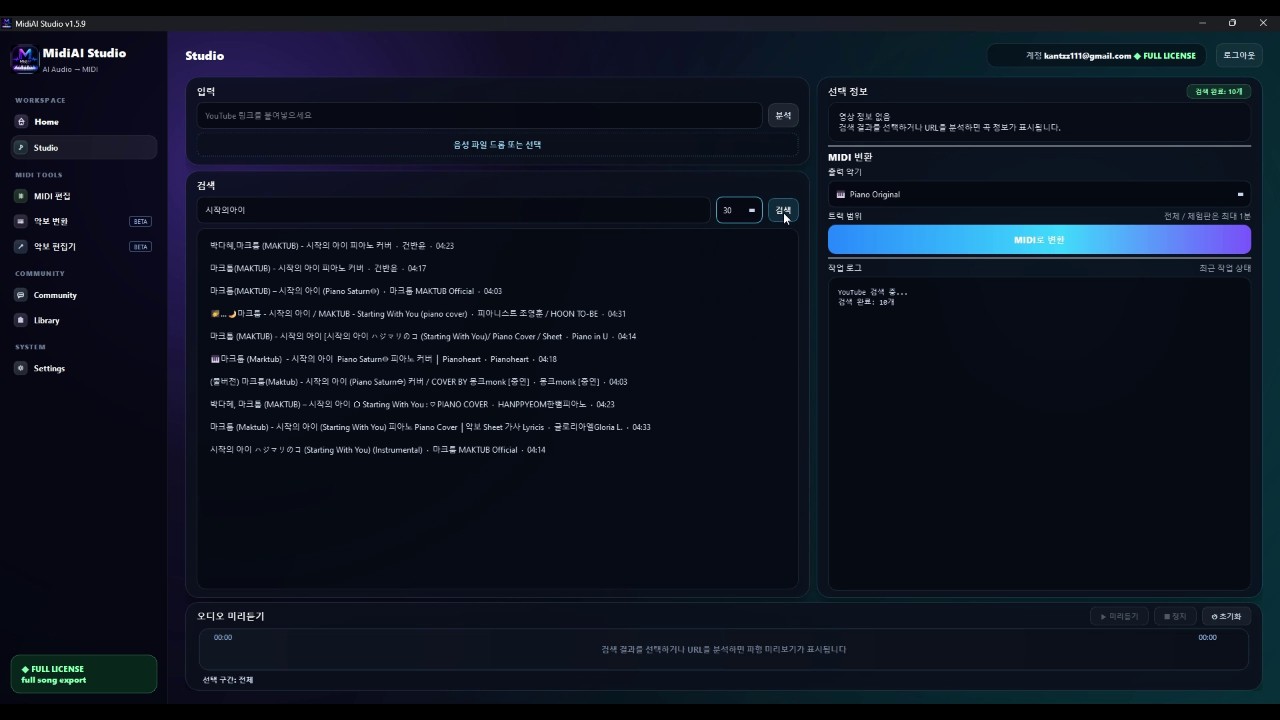
Screenshots

FAQ
What is Audio to MIDI?
Audio to MIDI conversion estimates musical notes from an audio waveform using AI transcription models.
How do I get better accuracy?
Use cleaner sources, convert shorter sections first, and always edit the MIDI draft. See best practices below.
Does MidiAI Studio support this workflow?
Yes. MidiAI Studio is built for AI MIDI conversion on Windows with editing and score-related export paths. Start from the downloads page.
Is this free?
A free trial download is available. Lifetime licensing unlocks full conversion and editing capabilities—see the purchase page for current pricing.
Where is company / support information?
See the about page for publisher details, patch notes for version history, and support for 1:1 help.
Deeper notes for long-term skill
Treat every conversion as a small research project. Write down what failed: was it source noise, extreme polyphony, unclear engraving, or tempo drift? That log becomes your personal accuracy playbook and compounds faster than randomly retrying settings.
Build a template project in your DAW with favorite piano, pad, and bass instruments ready for converted MIDI. The less friction between “export MIDI” and “hear something musical,” the more consistently you’ll finish edits instead of abandoning drafts.
When collaborating, send both the MIDI and a short note about assumed tempo, key, and leftover problem measures. Clear communication prevents partners from “fixing” musical choices that were intentional.
Revisit older conversions after software updates. Converter quality improves over time; a file that needed heavy cleanup last quarter may need less work after a patch. Check the official patch notes before large batch jobs.
Finally, keep ethics close to craft. Use conversions to learn, arrange, and create—not to misrepresent authorship. Crediting sources and respecting rights is part of professional musicianship in the AI era.
Checklist before you publish or share
- Verify key signature and tempo map.
- Scan for overlapping note duplicates.
- Confirm instrument mapping and octave placement.
- Listen once without looking at the piano roll.
- Listen again focusing only on rhythm.
- Export a dated filename (project-title-v03.mid).
Additional practice tip: isolate one musical dimension per listen-pass—pitch only, then rhythm only, then dynamics only. Separating attention reveals different error classes that a single casual listen will miss, especially after dense passages.