 MidiAI Studio
Guide �� MusicXML & score interchange
Building a Reliable Score Editor Workflow
A conversion is a beginning, not an ending. The file that lands in your notation editor is raw material, and the difference between a frustrating afternoon and a smooth one is having a workflow ? a fixed order of operations you trust ? rather than poking at problems as you notice them.
Most people improvise their way through a score editor and pay for it in rework: they polish a passage, then discover the meter was wrong and have to redo it. A disciplined workflow front-loads the decisions that everything else depends on, so your polishing lands on a stable foundation.
This article lays out a workflow that has one job: turn a MidiAI Studio conversion into a finished, performance-ready score with the least backtracking. It is editor-agnostic, so the sequence holds whether you live in MuseScore, Sibelius, Dorico, or Finale.
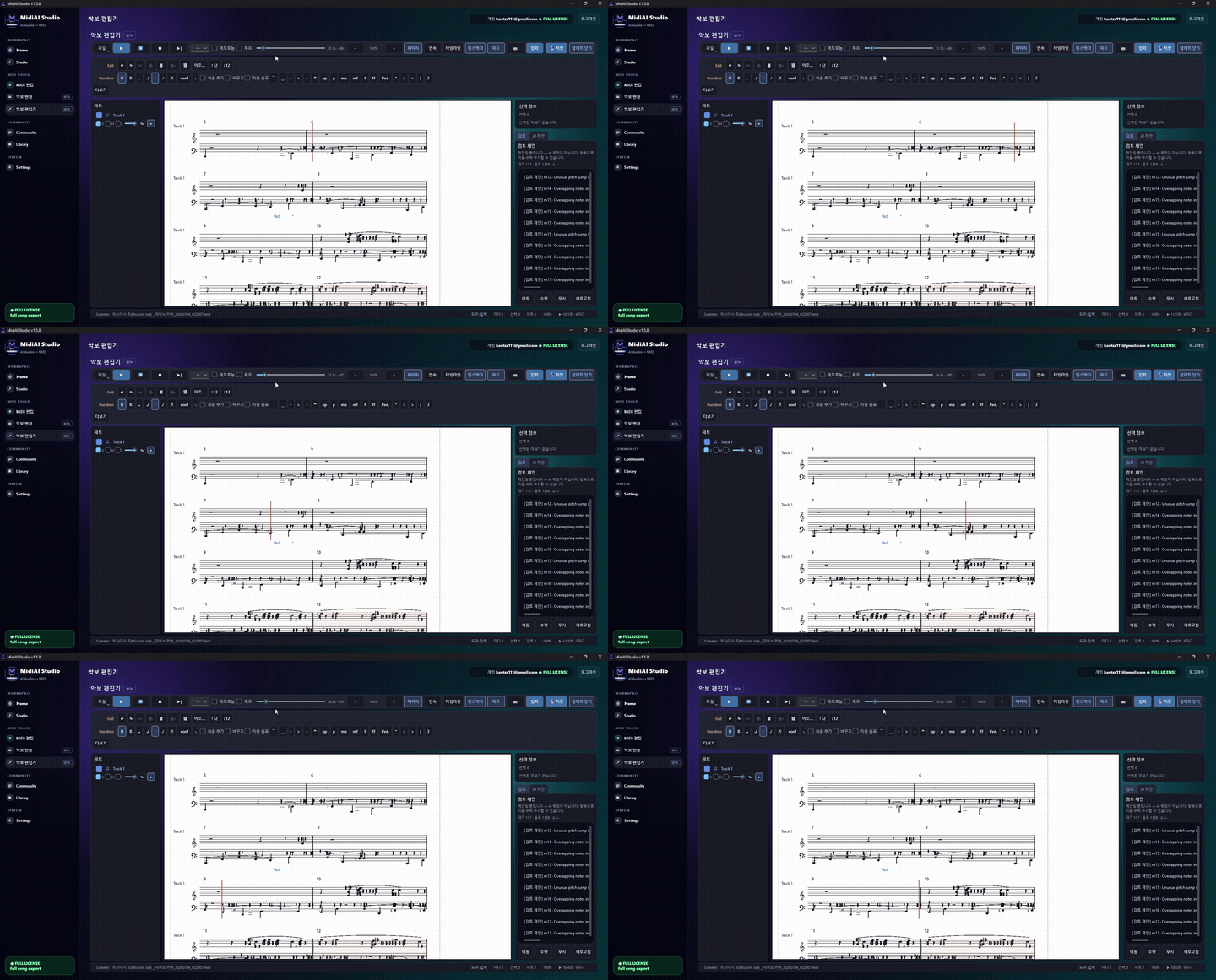
Setting up the editor before you import anything
A score editor workflow is a repeatable sequence of steps for taking imported musical data to a finished notation deliverable. It is less about which buttons you press and more about the order in which you make decisions so that early choices support later ones.
The defining feature of a good workflow is that it minimizes rework. Structural facts like key, meter, and part layout are settled before note-level corrections, which are settled before cosmetic layout ? because reversing an early decision after later work is where hours quietly disappear.
The import triage that saves an hour later
The workflow runs top-down because dependencies run top-down. Key and time signatures determine how notes are spelled and barred, so they come first; note corrections depend on correct bars, so they come second; layout depends on final notes, so it comes last. Respecting this order means each stage builds on solid ground.
Voices and layers are the workhorses of clean notation, and the workflow leans on them deliberately. When a MidiAI Studio import preserves independent lines, you keep them as separate voices rather than merging them, so a busy passage notates with correct stems and rests instead of collapsing into ambiguity.
Part extraction is treated as a downstream product of a single master score, not a separate task. Because the score is built with proper instrument assignment and staff structure, generating individual parts becomes a near-automatic step rather than a second round of engraving.
Working top-down: structure, then notes, then look
Taking a converted string quartet to rehearsal-ready parts
Picture a string quartet movement in G major that you converted from a PDF and now need as four clean parts for a Saturday rehearsal. The import arrives as four staves with the notes mostly right but the layout untouched.
Following the workflow, you first confirm G major, common time, and that each staff is assigned to the correct instrument. Only then do you fix a handful of misread notes in the viola line and a tie the conversion dropped in the cello. Cosmetic spacing comes last.
Because the score was assembled cleanly, extracting the four parts is a single command, and each player gets a readable page with sensible page turns. What could have been a scramble becomes a predictable forty-minute pass from MidiAI Studio import to printed parts.

Using voices and layers instead of fighting them
- Prepare the editor before import. Set your default font, house style, and a sensible template first. Importing into a configured environment means the incoming score adopts consistent formatting instead of arriving in defaults you fight later.
- Run an import triage on structure. Immediately check key, meter, instrument assignment, and staff count against the source. Catching a structural mismatch now prevents redoing note work built on wrong foundations.
- Correct notes with the source open. Work through misread pitches, rhythms, and dropped ties with the original visible. Fixing notes before layout means you never polish a passage you later have to rewrite.
- Preserve independent voices. Keep genuinely separate lines as distinct voices rather than merging them. Correct voicing yields correct stems and rests, which is the difference between readable and baffling notation.
- Extract parts from the finished master. Generate individual parts only after the score is correct. A clean master turns extraction into a single automated step rather than a second engraving job.
Templates and styles that keep scores consistent
- Build one reusable template so every converted score inherits the same house style.
- Keep the source PDF docked beside the editor for glance-and-verify correction.
- Fix structure before notes and notes before layout, every single time.
- Save named versions at each stage so you can roll back a bad layout without losing note fixes.
- Proof extracted parts individually, since a score-level fix can still leave a part awkward.
Extracting parts without re-doing the score
- Importing into raw defaults: Skipping template setup forces you to re-format the whole score after the fact.
- Polishing before structure is right: Cosmetic work on a wrong-meter score is discarded the moment you fix the meter.
- Merging independent voices: Collapsed voices produce nonsensical stems and rests that make dense passages unreadable.
- Extracting parts too early: Parts pulled before the score is final must be regenerated after every subsequent fix.
- Never versioning: Without saved stages, one bad layout experiment can cost you all your note corrections.
Version control habits for evolving arrangements
The hidden value of a fixed workflow is that it converts anxiety into routine. Facing a raw conversion with no plan invites the scattershot editing that causes rework; facing it with a known sequence turns even a messy import into a series of small, confident steps. The workflow is a form of calm.
Templates deserve more respect than they usually get. A well-built template encodes every house-style decision once ? fonts, spacing, part naming ? so that every future conversion inherits consistency for free. The hour you spend on a template pays back across every score you touch after it.
Handing off files musicians can actually open
It is worth internalizing why top-down ordering is non-negotiable: musical dependencies flow downward. Everything about how notes look depends on structure, and everything about layout depends on notes. Editing against that gradient is swimming upstream, and it is the single most common self-inflicted wound in notation work.
Finally, a workflow is a deliverable-quality guarantee, not just a personal convenience. When you hand a musician a part, they should never see the seams of the conversion. A disciplined pass from MidiAI Studio import to extracted part is what makes the digital origin invisible and the music the only thing that shows.
FAQ
Straight answers for musicians researching MIDI score editor workflow. Expand any question?answers stay on this page so you do not bounce away mid-read.
What should I check first when a converted score lands in my notation editor?
Start with structure: key signature, time signature, instrument assignment, and staff count against the source. These underpin every later decision, so verifying them first prevents rework.
Why should I fix notes before adjusting the score's appearance?
Because layout depends on the final notes. Spacing and page turns you set before correcting notes get disrupted by the corrections, wasting the effort you spent making it look good.
How do I get clean individual parts from a converted full score?
Build a correct master score with proper instrument assignment, then extract parts as a downstream step. A clean master makes extraction nearly automatic instead of a second engraving pass.
Should I merge or keep separate the voices a conversion produced?
Keep genuinely independent lines as separate voices. Merging them produces incorrect stems and rests, whereas preserving them yields notation that reads correctly in busy passages.
How do I avoid losing work when experimenting with score layout?
Save a named version before big layout experiments. If a spacing idea fails, you roll back to the version with your note corrections intact rather than redoing them.