 MidiAI Studio
Guide · Sheet music & OMR
Making a PDF Score Editable Instead of Just Viewable
A PDF score is perfect for reading and useless for rewriting. The moment you want to move a phrase up an octave, hand a countermelody to a different instrument, or shorten an eight-bar intro, the printed page becomes a wall. Editable MIDI is the door through that wall.
The point of converting is not novelty; it is leverage. Once the notes are data, an arrangement stops being a fixed object and becomes raw material you can reshape. That shift — from consuming a score to remixing it — is what most people are really after when they ask how to make a PDF editable.
This piece focuses less on the mechanics of recognition and more on the editing freedom conversion delivers, and how to set up your MidiAI Studio export so that freedom is actually usable rather than a tangle you have to untangle first.
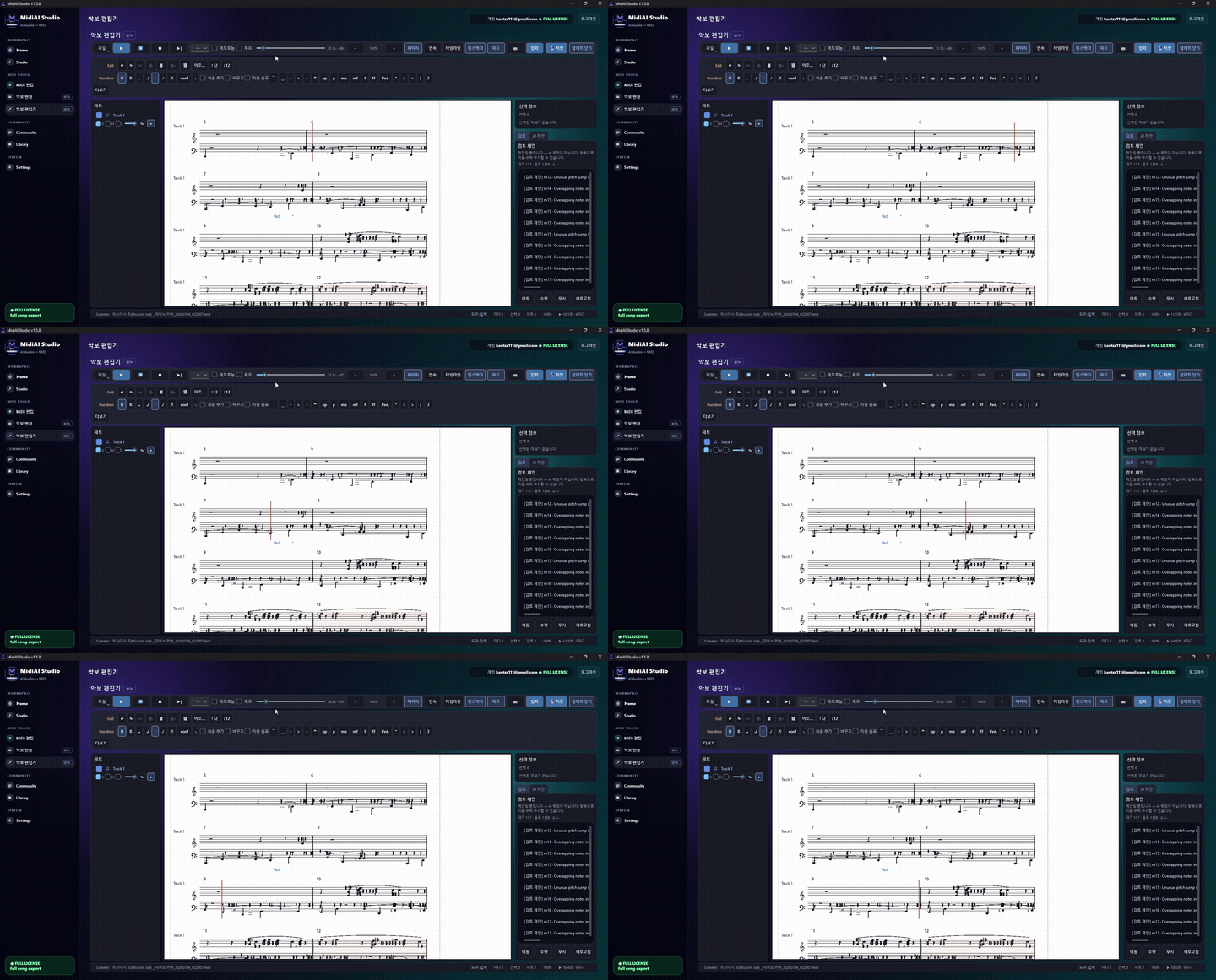
The difference between a viewable score and an editable one
Making a PDF editable means converting its printed notes into MIDI events that any editor can move, delete, lengthen, or retune. Editability is the property that the music is now addressable — every note has a handle you can grab — rather than being a flat picture of a performance.
Crucially, editable does not mean recognized-and-abandoned. A conversion is only as editable as its structure allows: separated voices, sensible track names, and honest bar lines are what make the difference between a file you can rework in minutes and one you fight for an hour.
What editability really buys you as an arranger
The recognition layer rebuilds pitches and rhythms, but editability is won or lost in how those events are grouped afterward. If a four-part chorale lands as one undifferentiated track, editing the tenor line means hunting through every chord; if it lands as four tracks, the tenor is one click away.
This is why voice separation is the quiet hero of an editable export. MidiAI Studio can route each staff and, where the writing allows, each independent line onto its own track, so re-voicing an arrangement becomes a matter of dragging a whole part rather than reconstructing it note by note.
Bar structure matters just as much. When the time signature and downbeats are correct, quantization, copy-paste of whole measures, and looping all behave predictably. A conversion that fudges the meter looks fine on playback but fights you the instant you try to edit in measures instead of milliseconds.
Keeping voice independence intact through conversion
Reworking a fixed hymn arrangement for a small ensemble
Say you have a PDF of a four-part hymn in E-flat major and you need to adapt it for two clarinets and a cello, dropping the arrangement into a range those instruments enjoy. On paper this is a rewrite; as MIDI it is a re-routing.
After conversion, each of the four voices sits on its own track. You transpose the whole thing down a tone to D major so the clarinets sit comfortably, then hand the soprano and alto to the two clarinets and give the combined bass to the cello, muting the tenor doublings you no longer need.
What would have been an evening of copying by hand becomes twenty minutes of dragging parts. Because MidiAI Studio kept the voices independent, nothing had to be untangled first — the editability was baked in from the export.

Re-barring and re-metering after the notes arrive
- Decide what you intend to change before converting. Editing goals shape your export settings. If you plan to reassign parts, insist on per-voice tracks; if you only plan to transpose, a simpler split is fine. Knowing the destination keeps you from re-exporting halfway through.
- Verify voice separation right after import. Solo each track and listen. If two independent lines share a track, split them now while the structure is fresh in your mind rather than after you have already started rearranging.
- Lock the meter and downbeats. Confirm the time signature and that bar one starts where the music does. Correct bars turn every later edit — looping, copying, quantizing — into a measure-aware operation instead of a stopwatch exercise.
- Make structural edits before cosmetic ones. Cut the intro, repeat the chorus, or reassign instruments first. Doing the big moves before fine-tuning velocities means you are not polishing material you are about to delete.
- Export a working copy and an archival copy. Keep the untouched conversion as a reference and edit a duplicate. If a rework goes sideways you can rebuild from the clean MidiAI Studio export instead of starting over from the PDF.
Turning a fixed arrangement into a flexible template
- Rename tracks to their musical role the instant you import, before the layout fades from memory.
- Color-code parts you intend to reassign so they are visible at a glance during rearranging.
- Do all transposition at the track level, not per note, so you can reverse it in one move.
- Keep a scratch track for experimental edits so your committed parts stay clean.
- Re-check ranges after transposing so a moved part has not slipped below an instrument's floor.
When to edit MIDI versus re-engrave from scratch
- Editing before verifying voices: Rearranging a track that secretly holds two lines guarantees rework once you notice the tangle.
- Transposing note-by-note: Per-note pitch shifts are impossible to undo cleanly; move whole tracks so the change is reversible.
- Skipping the meter check: Wrong bar lines make measure-based edits land off the beat and quietly corrupt loops.
- Overwriting the raw export: Losing the clean conversion means any mistake sends you all the way back to the PDF.
- Reassigning parts out of range: Handing a bass line to an instrument that cannot reach it produces silent or octave-jumped notes.
Protecting the original intent while you rework it
The most underrated benefit of an editable conversion is reversibility. On paper every change is destructive — an eraser and a hope — but as MIDI you can branch, compare, and revert. That safety net encourages the kind of bold rearranging that makes an adaptation genuinely yours.
It pays to think of the converted file as a template rather than a finished piece. A hymn that becomes editable MIDI can be re-keyed for a dozen singers, re-scored for a dozen ensembles, and looped for rehearsal — one conversion, many outputs. The upfront work amortizes fast.
Round-tripping edits back to notation cleanly
There is a judgment call about when editing stops being worth it. If you are changing more than half the notes, re-engraving from a blank page can be cleaner than reshaping a conversion. The tipping point is roughly when you spend more time undoing the original than building the new one.
Finally, remember that editability is a spectrum, not a switch. A conversion with clean voices and honest bars is highly editable; the same notes dumped onto one track are technically editable and practically miserable. Investing in structure at export time is what makes the freedom real.
FAQ
Straight answers for musicians researching editable MIDI from PDF scores. Expand any question—answers stay on this page so you do not bounce away mid-read.
Is editable MIDI the same as having the original notation file?
Not quite — you get the notes as data, but not the engraver's layout choices like page turns or spacing. For rearranging, that is usually all you need; for republishing the exact look, you would re-engrave from the MIDI.
Can I reassign a piano part to different instruments after converting a PDF?
Yes, and it is one of the biggest reasons to convert. With voices on separate tracks you can route each line to any instrument and adjust octaves to fit its range.
Does making a PDF editable let me change the key permanently?
It does. Transpose at the track level and export, and the new file is in the new key with no memory of the original — ideal for accommodating a singer or a transposing instrument.
Will my edits to the MIDI change the source PDF?
No. Conversion produces an independent MIDI file; the PDF is untouched, so you can always return to it as your reference of the original arrangement.
How do I keep an arrangement's character while editing it heavily?
Edit a copy and keep the raw conversion beside it. Compare frequently so your changes are deliberate departures rather than accidental drift from the original intent.